HOW TO DO REGISTRATION AND WRITE EXAM
| Posted On 05 Apr 2026
---
**HOW TO GET YOUR CERTIFICATE**
*[www.mpcexams.com](http://www.mpcexams.com)*
━━━━━━━━━━━━━━━━━━━━━━━
**STEP 1: OPEN WEBSITE**
• Go to Google
• Search: **[www.mpcexams.com](http://www.mpcexams.com)**
• Click on the **first link**
━━━━━━━━━━━━━━━━━━━━━━━**STEP 2: CREATE ACCOUNT**
• Click on **Create Account**
• Select: **I am a Student**
• Enter your **valid Email ID**
• Click **Register**
You will receive a **confirmation email**
✔ Click the link to complete registration
━━━━━━━━━━━━━━━━━━━━━━━
**STEP 3: LOGIN**
• Sign in using **Email ID & Password**
━━━━━━━━━━━━━━━━━━━━━━━
⚙ **STEP 4: SETTINGS**
• Click on **Profile Icon**
• Go to **Settings**
• Enable: ✅ Quizzes
✅ Exam Series
• Click **UPDATE** (Don’t forget!)
━━━━━━━━━━━━━━━━━━━━━━━
**STEP 5: ATTEND EXAM**
• Go to **Exam Series**
• Select: **Class 11 / Class 12**
• Attempt exams (33 years NEET chapter-wise)
━━━━━━━━━━━━━━━━━━━━━━━
**STEP 6: AFTER EXAM**
• Go to **Analysis**
• Then click **History**
━━━━━━━━━━━━━━━━━━━━━━━
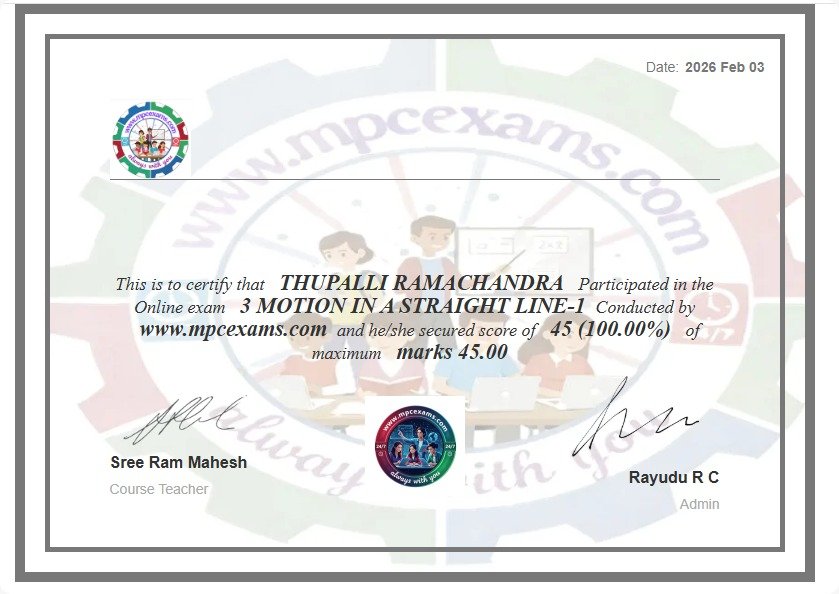
**STEP 7: GET CERTIFICATE**
• Click **3 dots (Action Box)**
• Select **Generate Certificate**
━━━━━━━━━━━━━━━━━━━━━━━
**SUCCESS! Your Certificate is Ready**
━━━━━━━━━━━━━━━━━━━━━━━
*Prepare • Practice • Succeed*